Capture recipes from cookbooks with amazing accuracy. Turn your bookshelf into a searchable collection that’s always with you, complete with timers, grocery lists, notes and cooking mode.


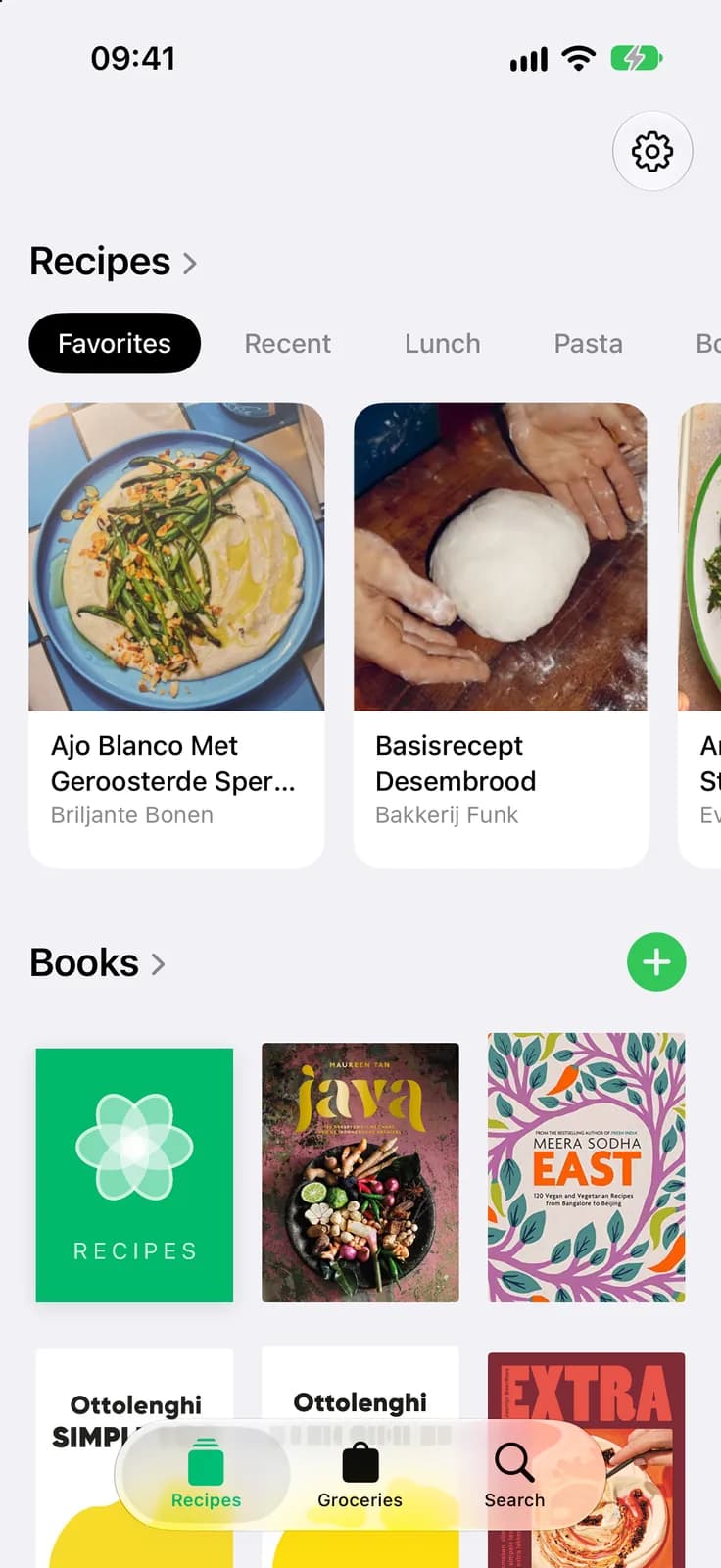
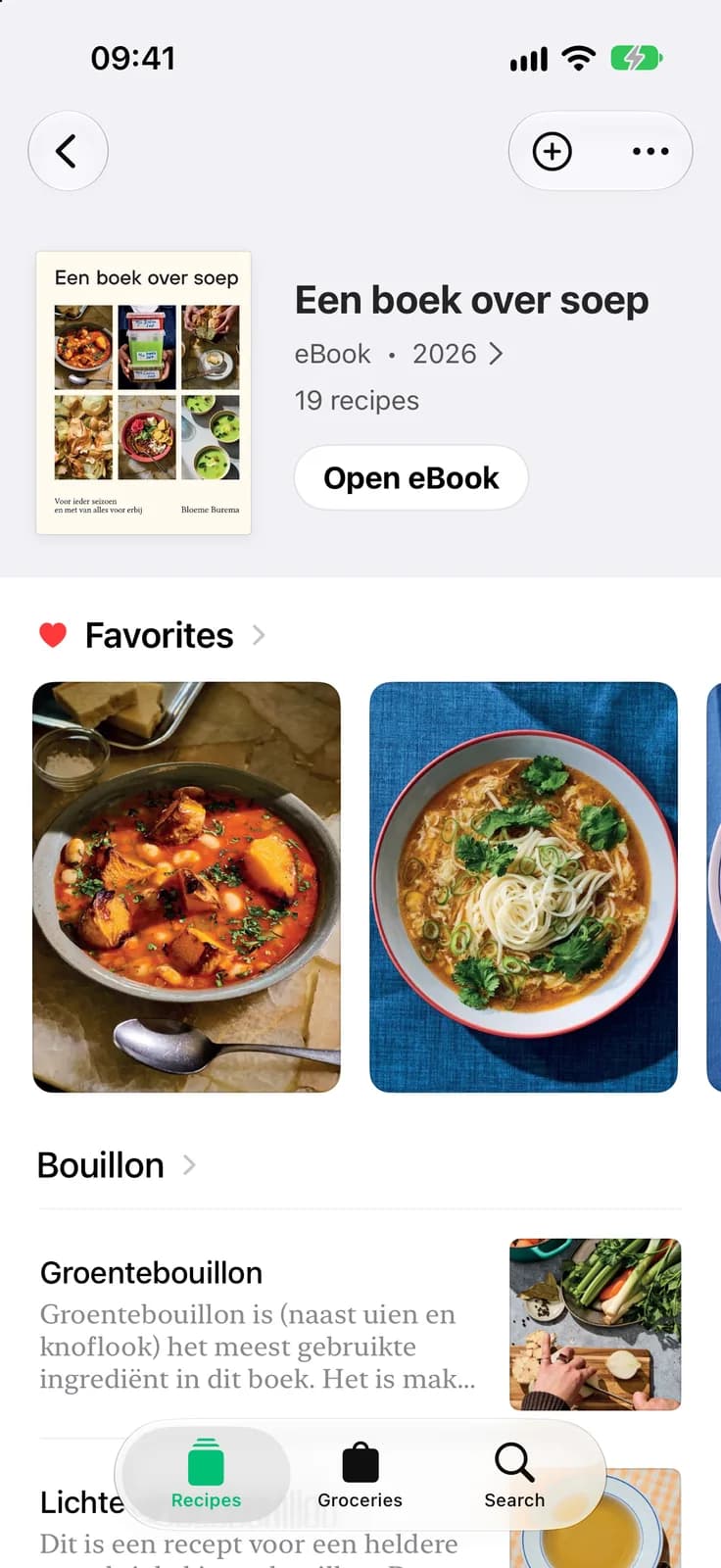
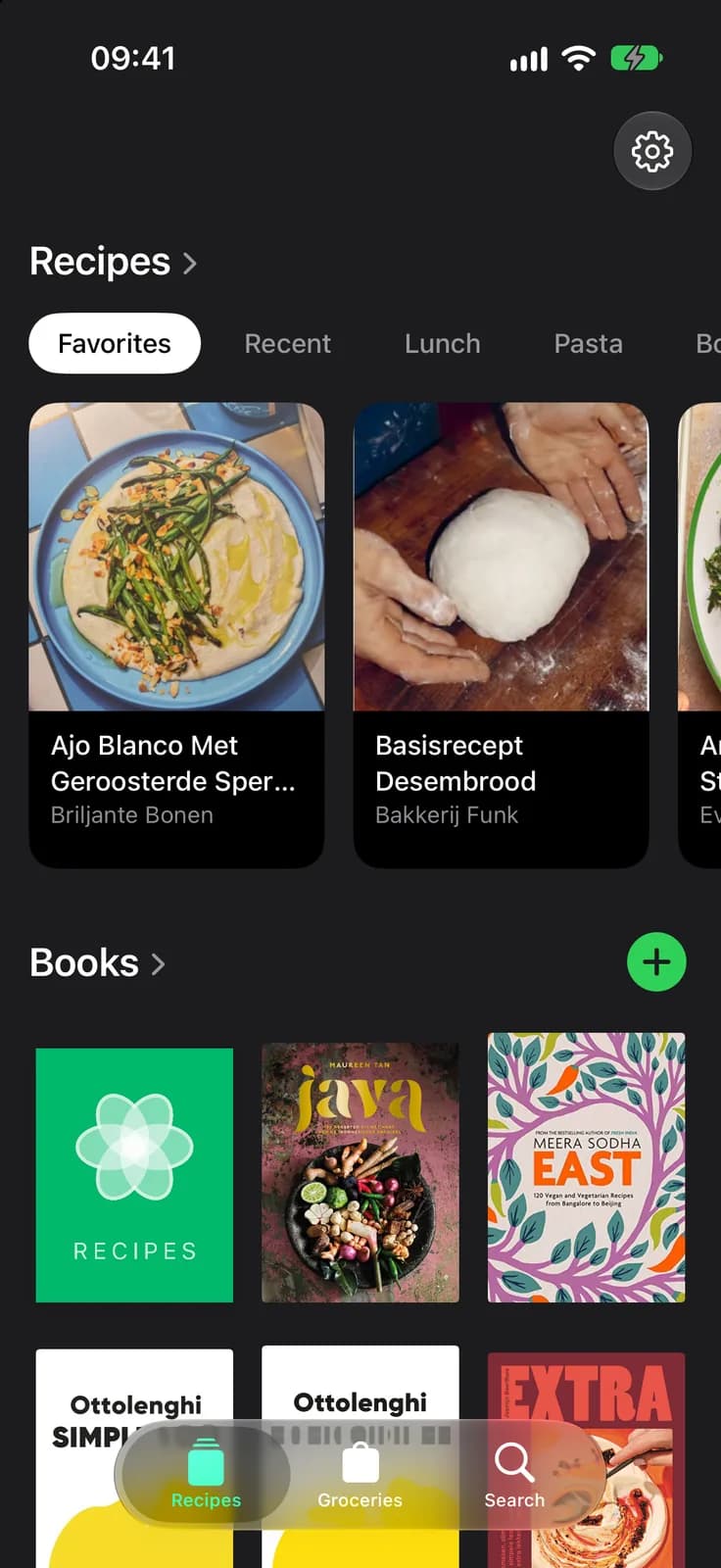
Your whole shelf. In your pocket. Every cookbook you own lives in one beautiful library, with your favourites and the recipes you cooked last right up front. Tonight’s dinner is never more than a tap away.
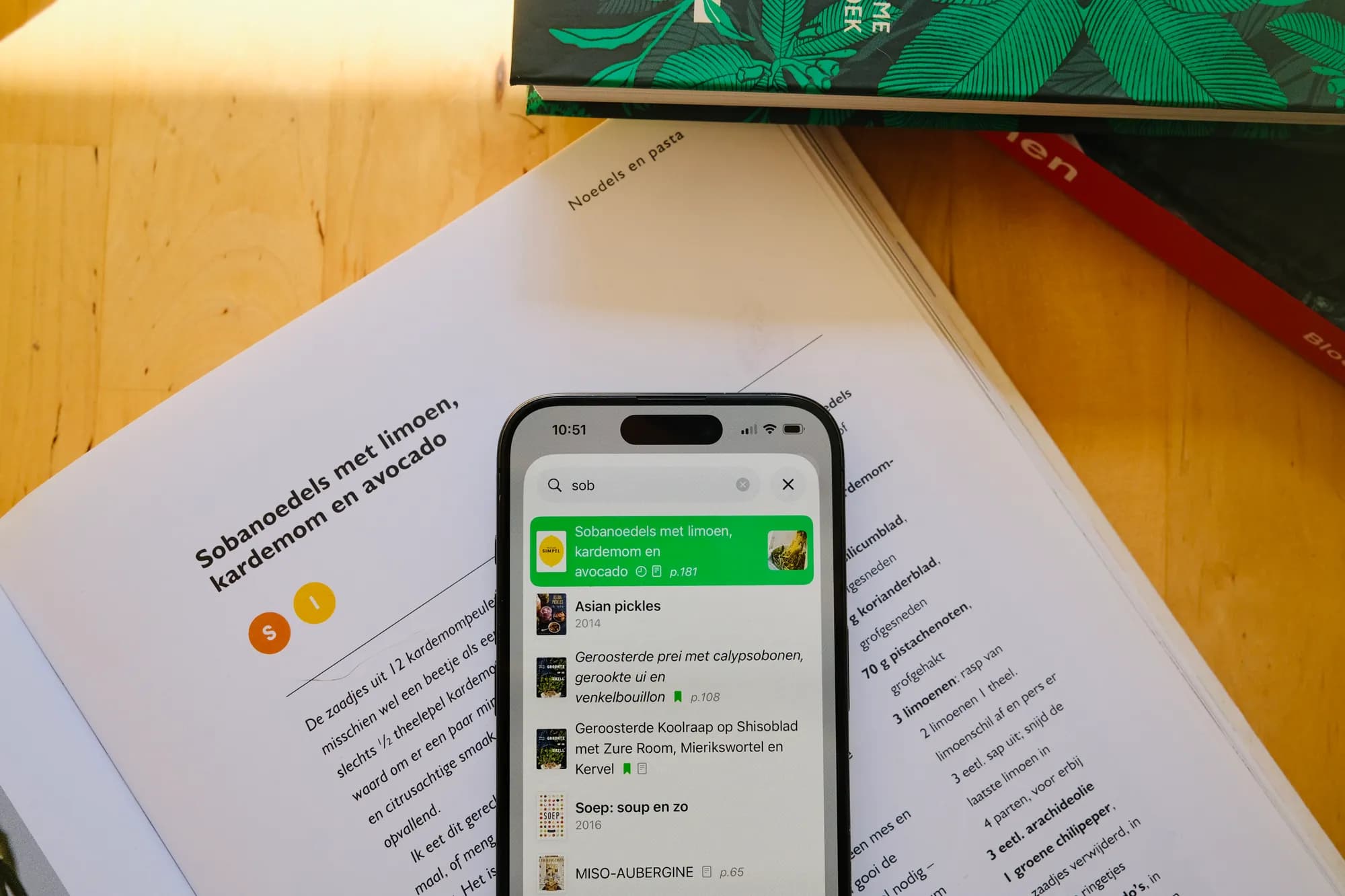
Search every book at once. Half a bag of aubergines and a hunch? Type any ingredient and CookCook finds every recipe that uses it, across your entire collection, with the exact page it’s on.
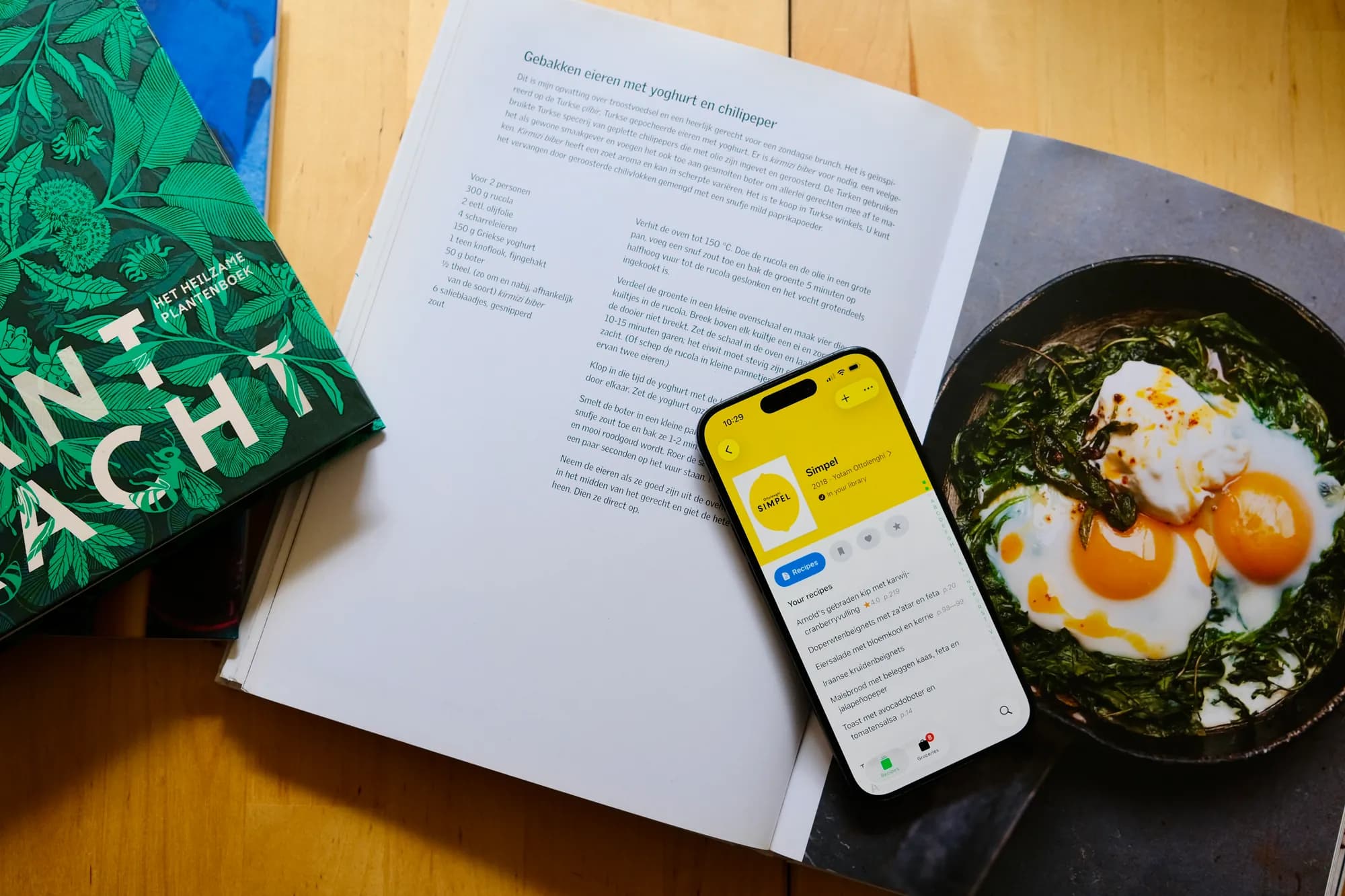
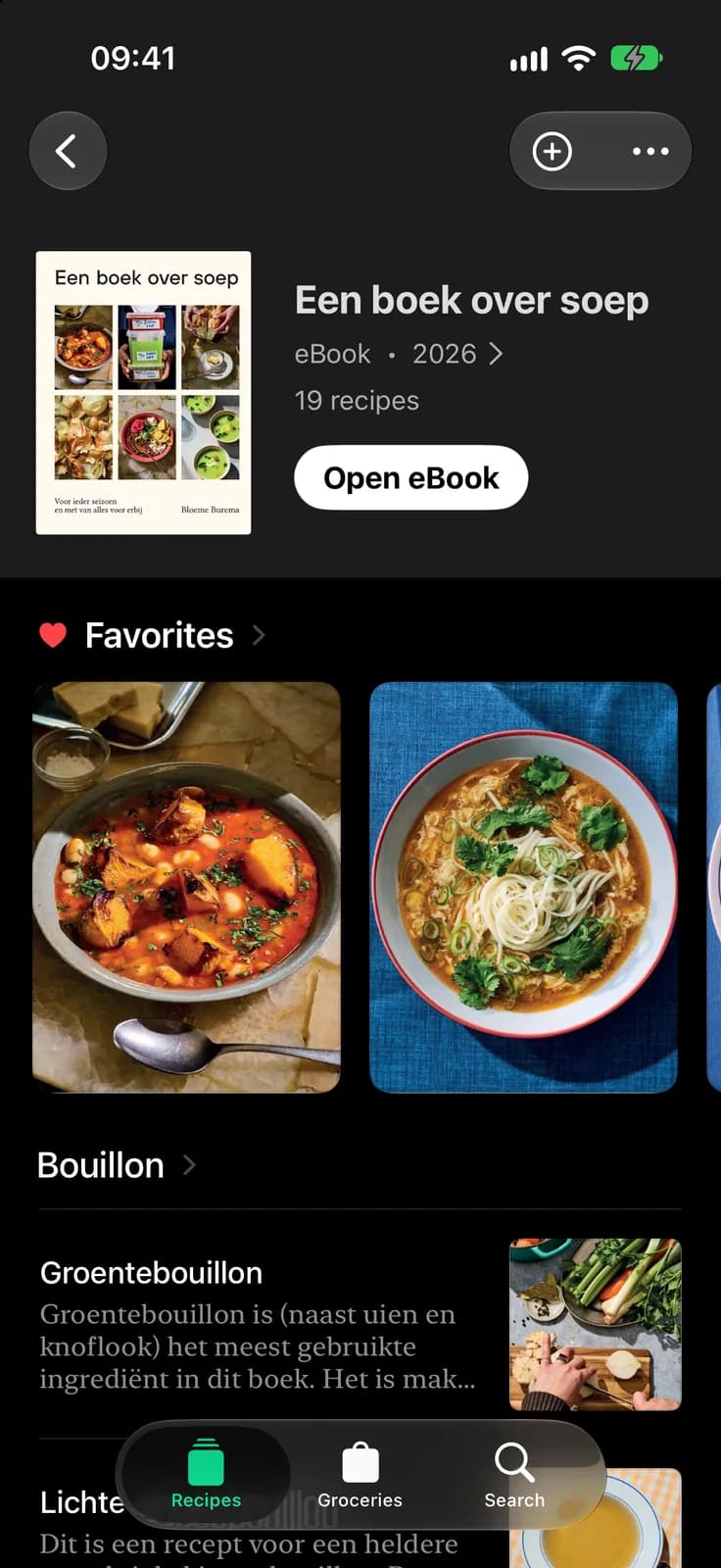
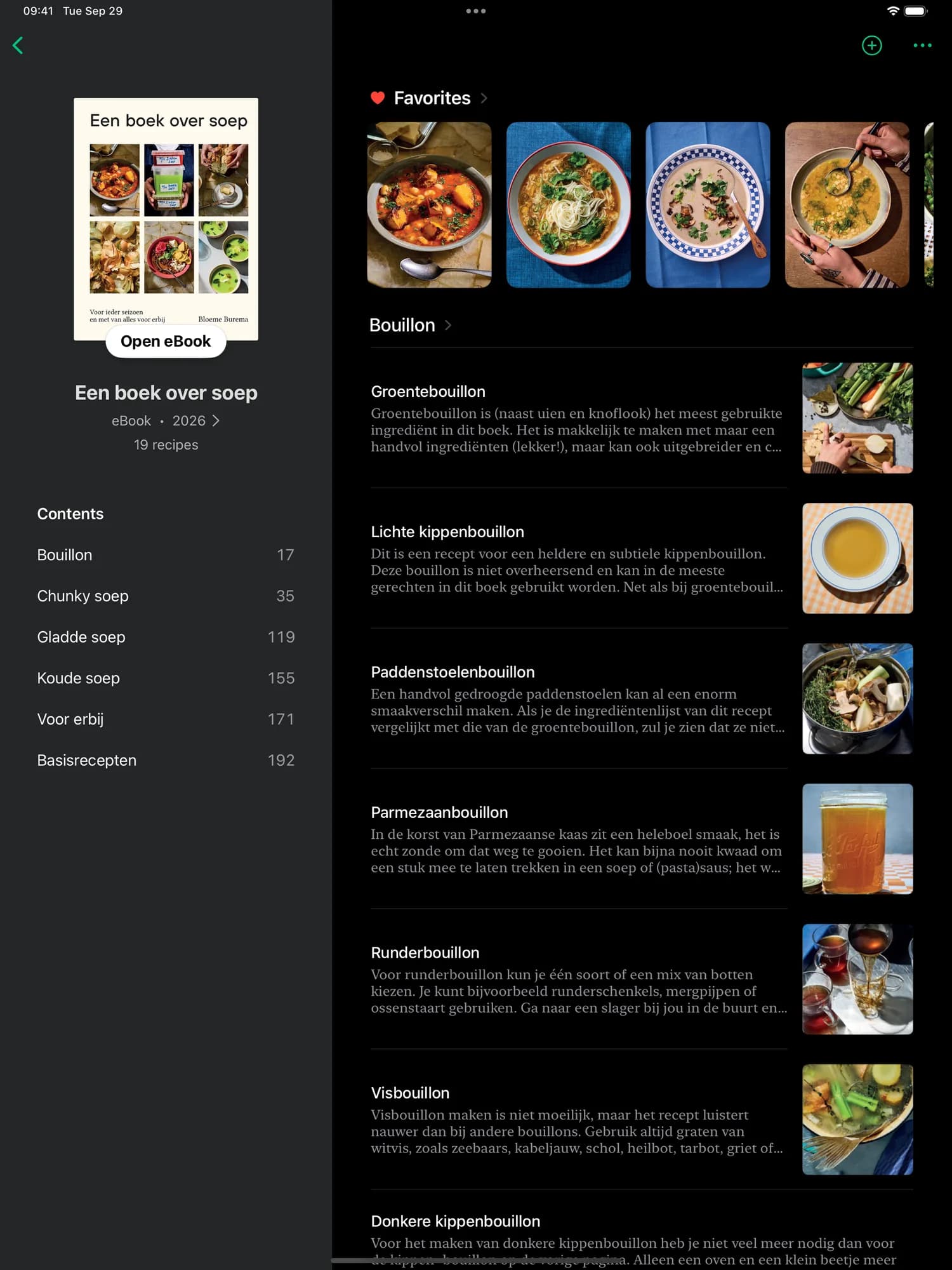
Find your way, just like the book. Each cookbook opens the way its author arranged it, chapter by chapter, with page numbers, your ratings and favourites right alongside. The index you always wished your books had.
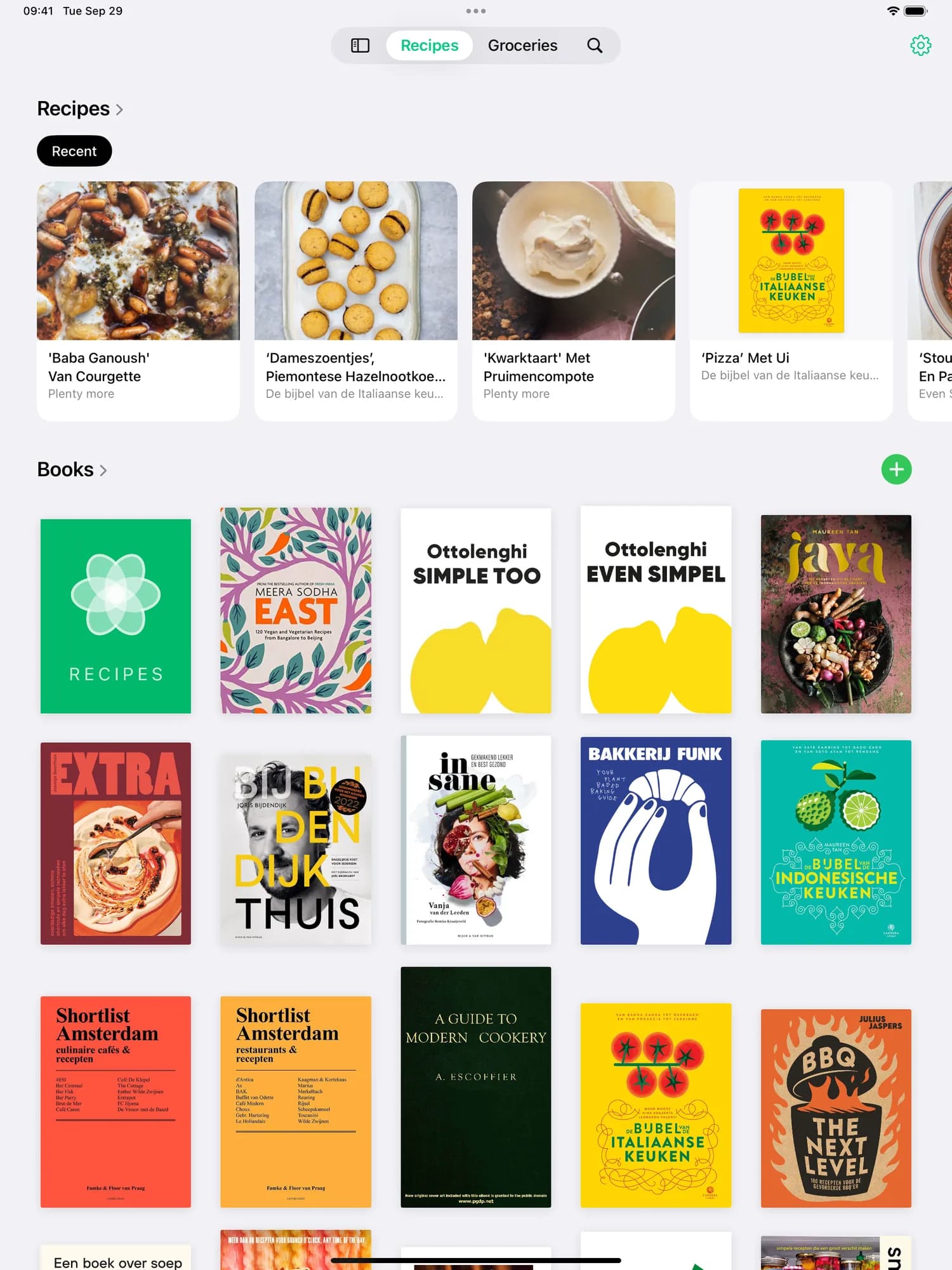
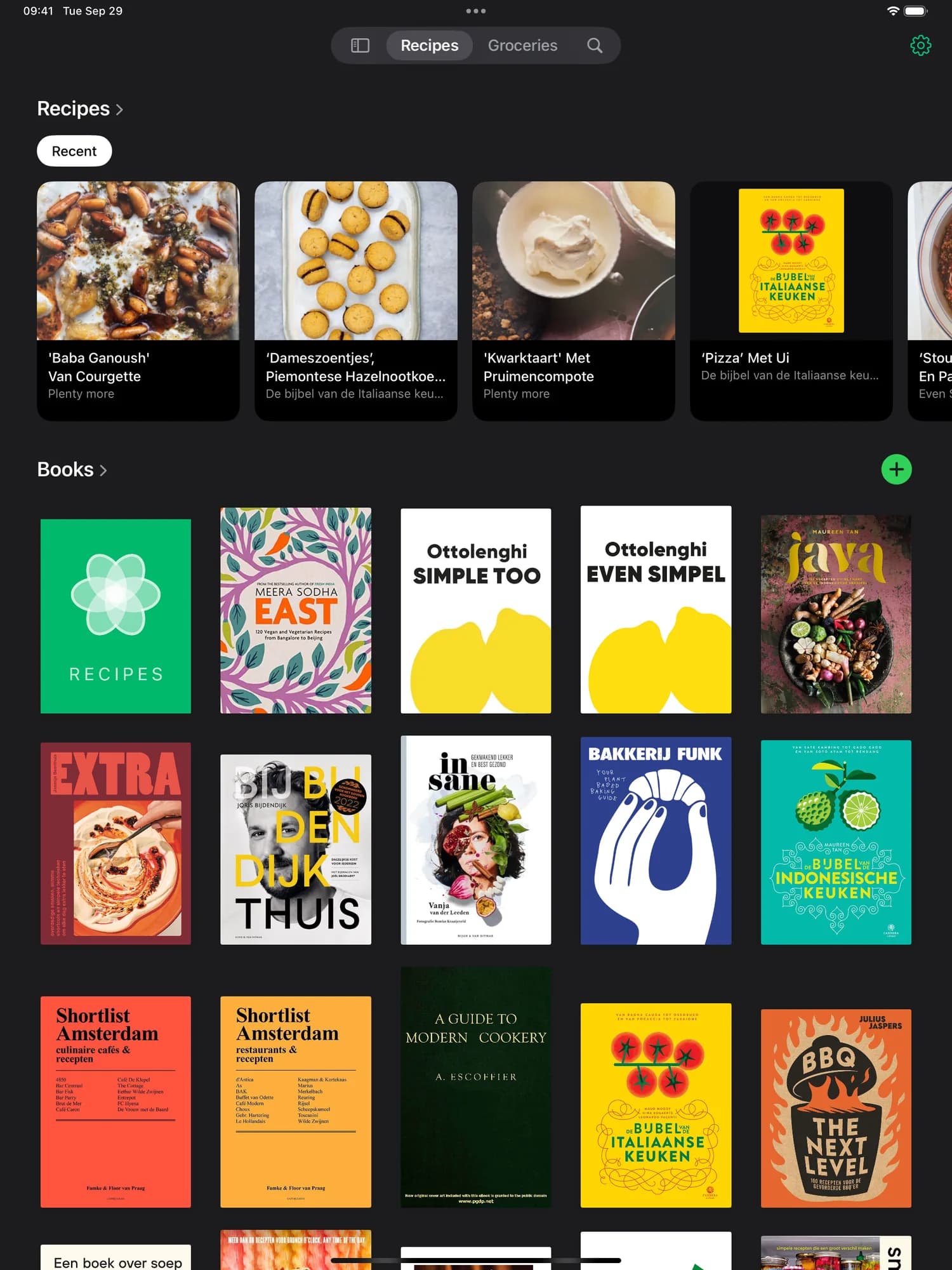
Your whole shelf, at a glance. Every cover, full size, on the big screen. Your library looks the way your bookcase does, and the recipes you cooked last are right up top.
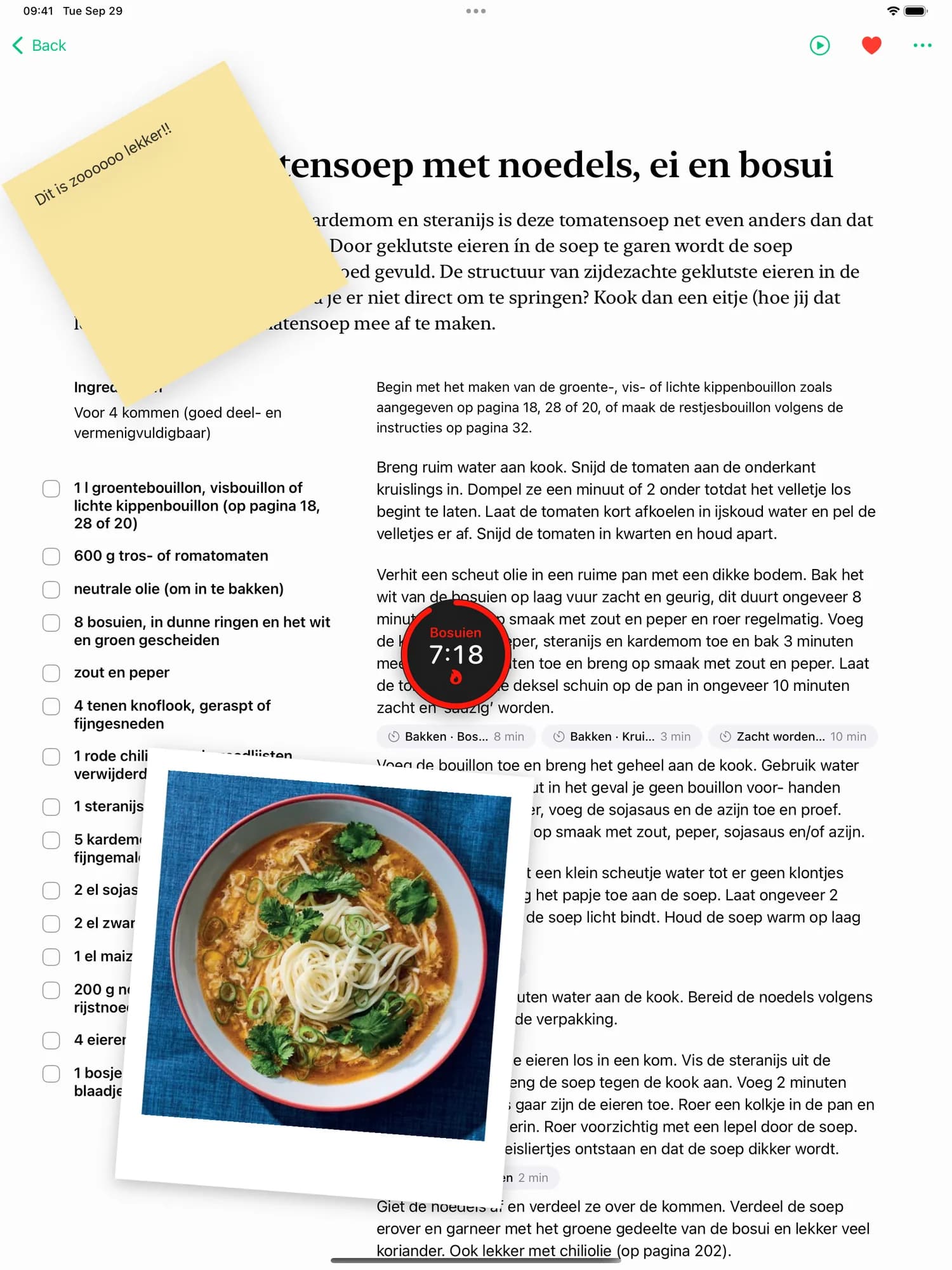
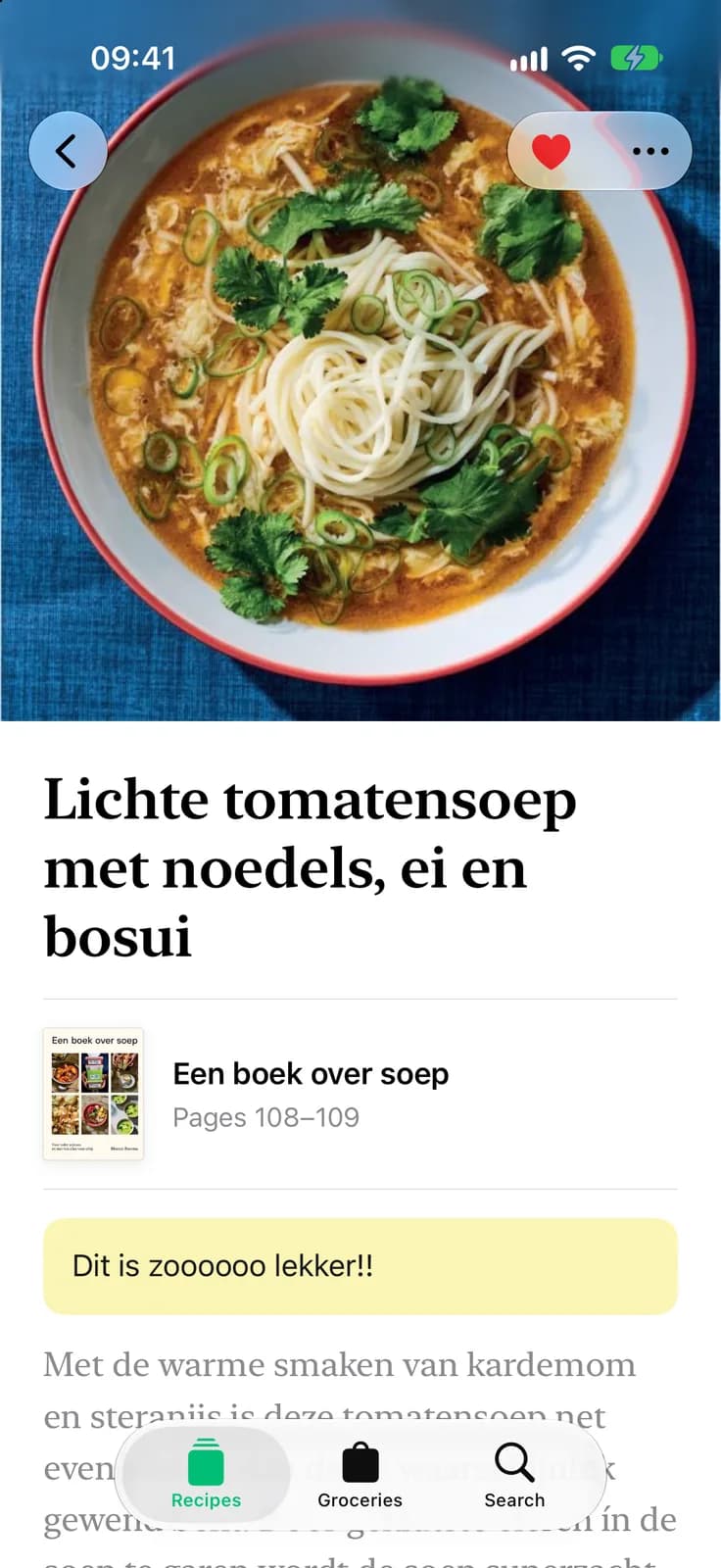
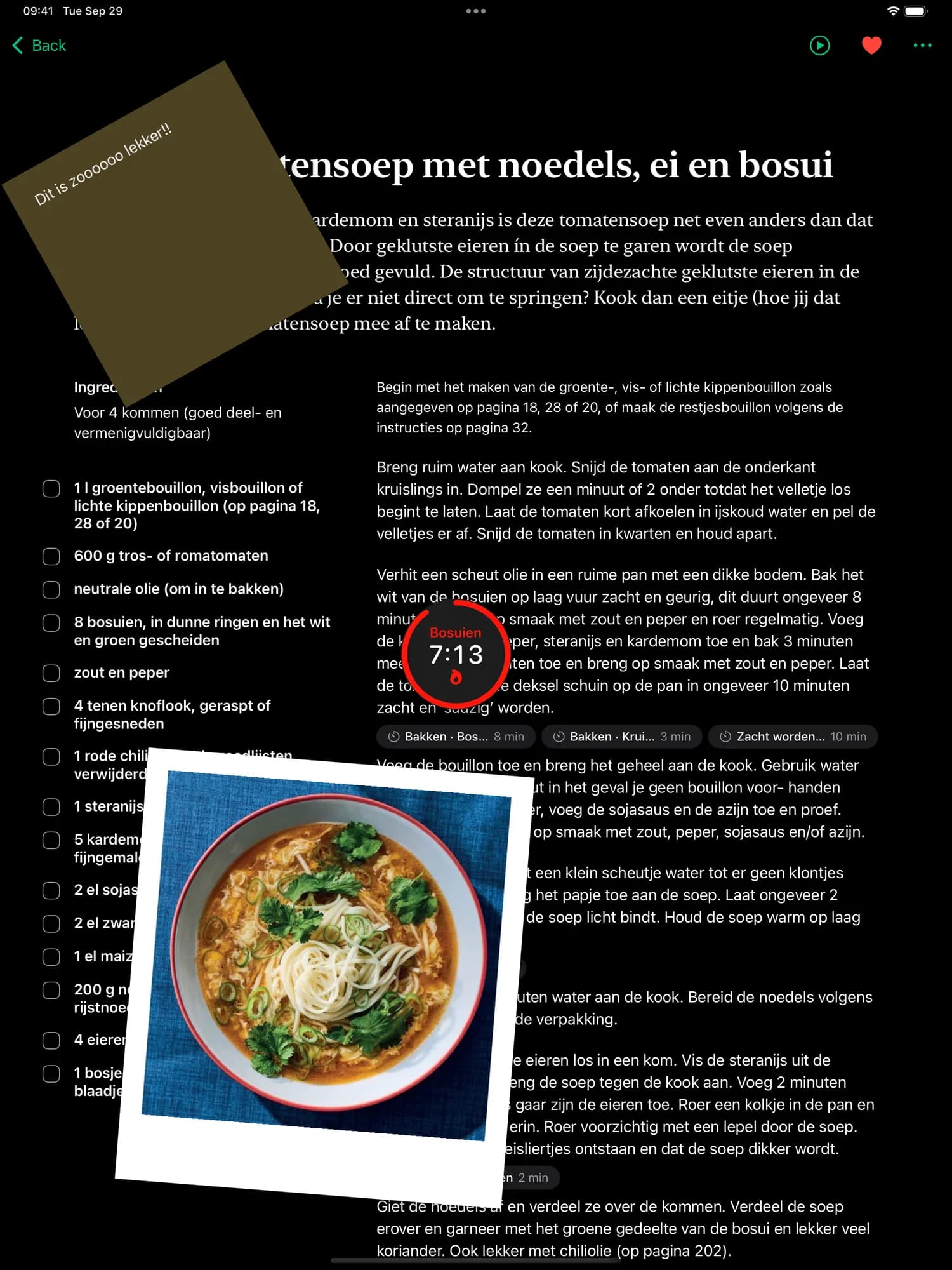
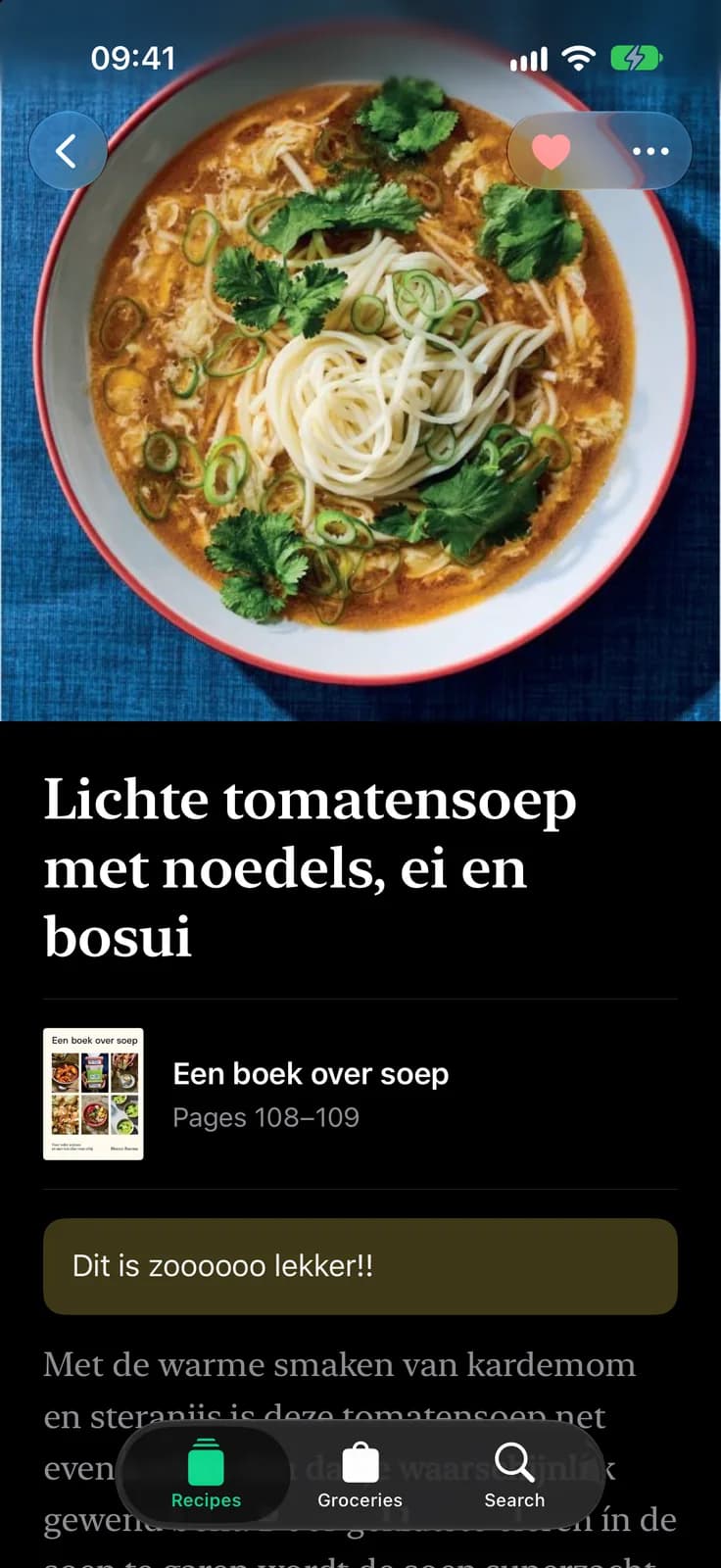
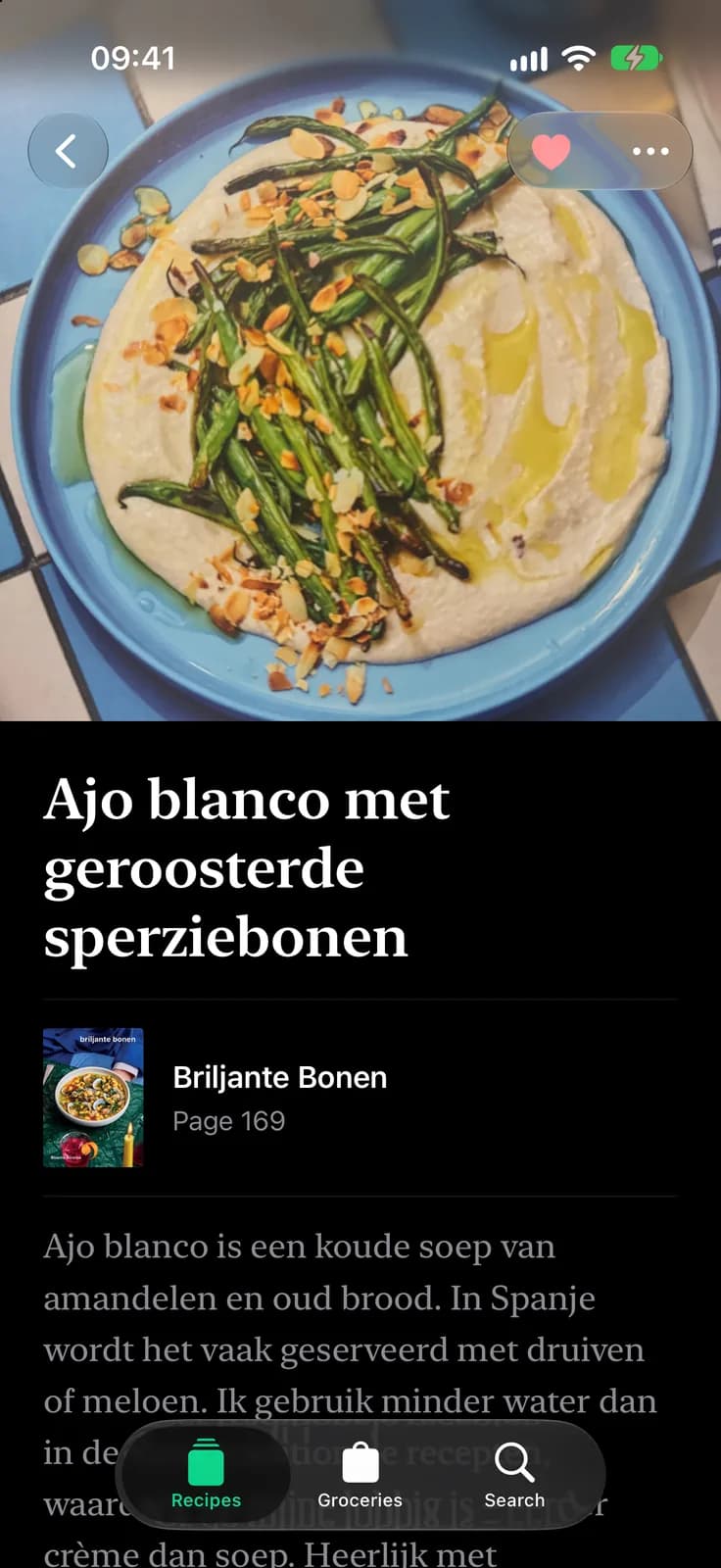
A recipe, laid out like the book. Ingredients on the left, the method on the right, your note and the dish photo pinned to the page. Tap a time in the method and the timer floats right there, while you keep reading.
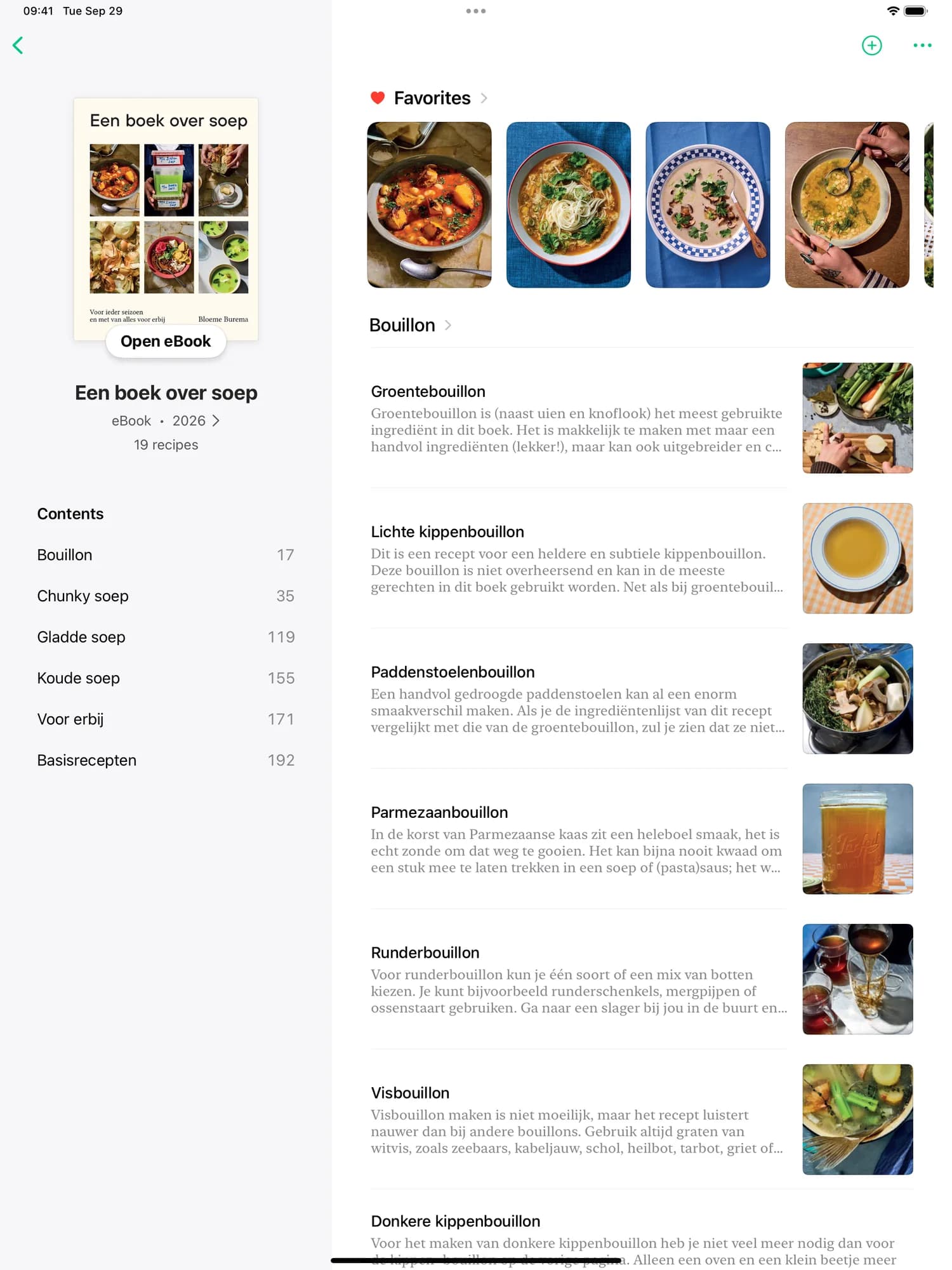
Every book, beautifully bound. Chapters and page numbers down the side, favourites and photos across the top. And for ePubs, the whole book is one tap away.
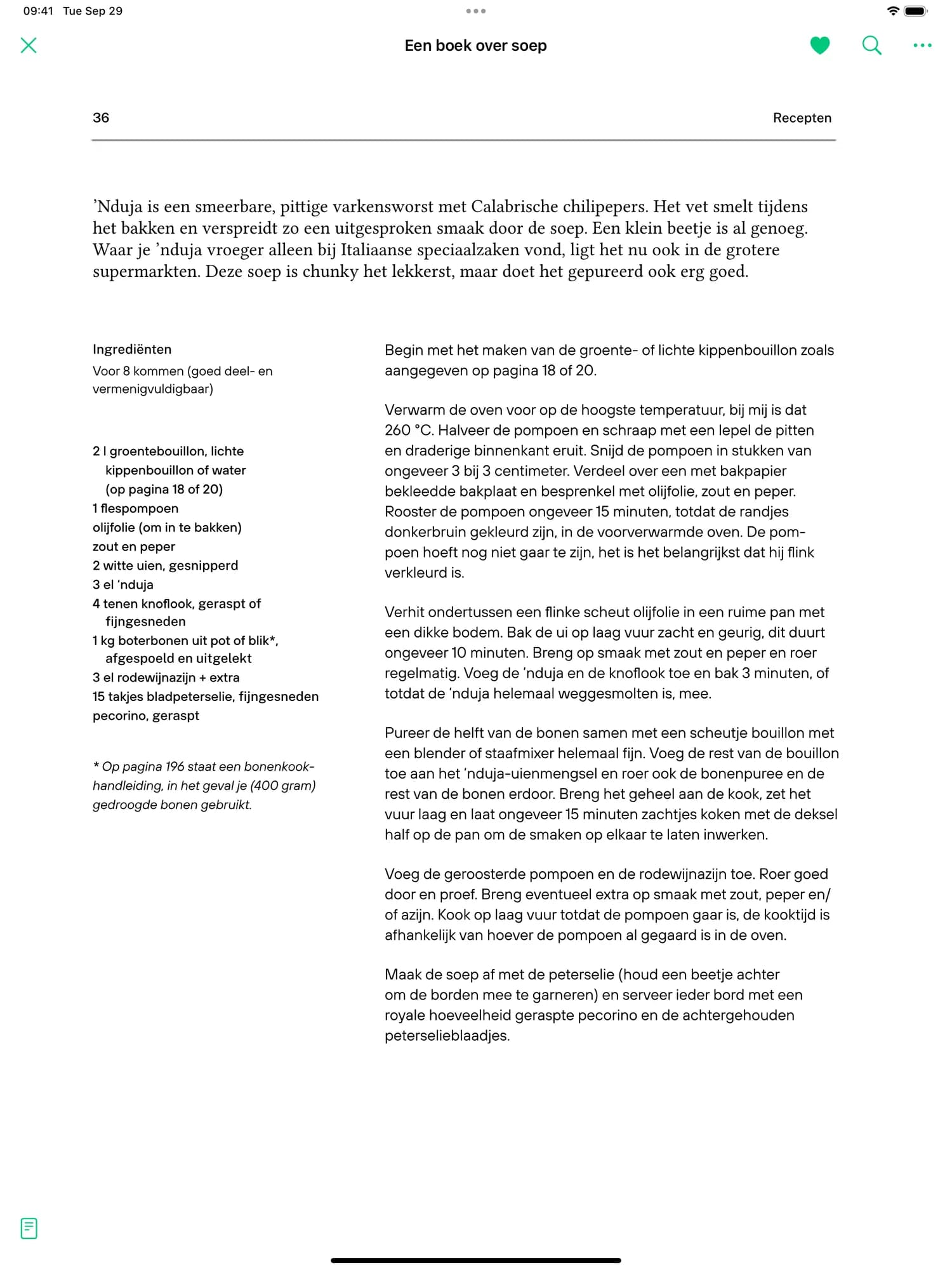
Your ePubs, on a page this size. Read your ebooks at full size, then capture the recipe on the page you’re looking at, straight from the reader.
CookCook is great at capturing recipes from your cookbooks, with amazing accuracy.
We capture the page number so it’s super quick to find it back in your copy of the book.
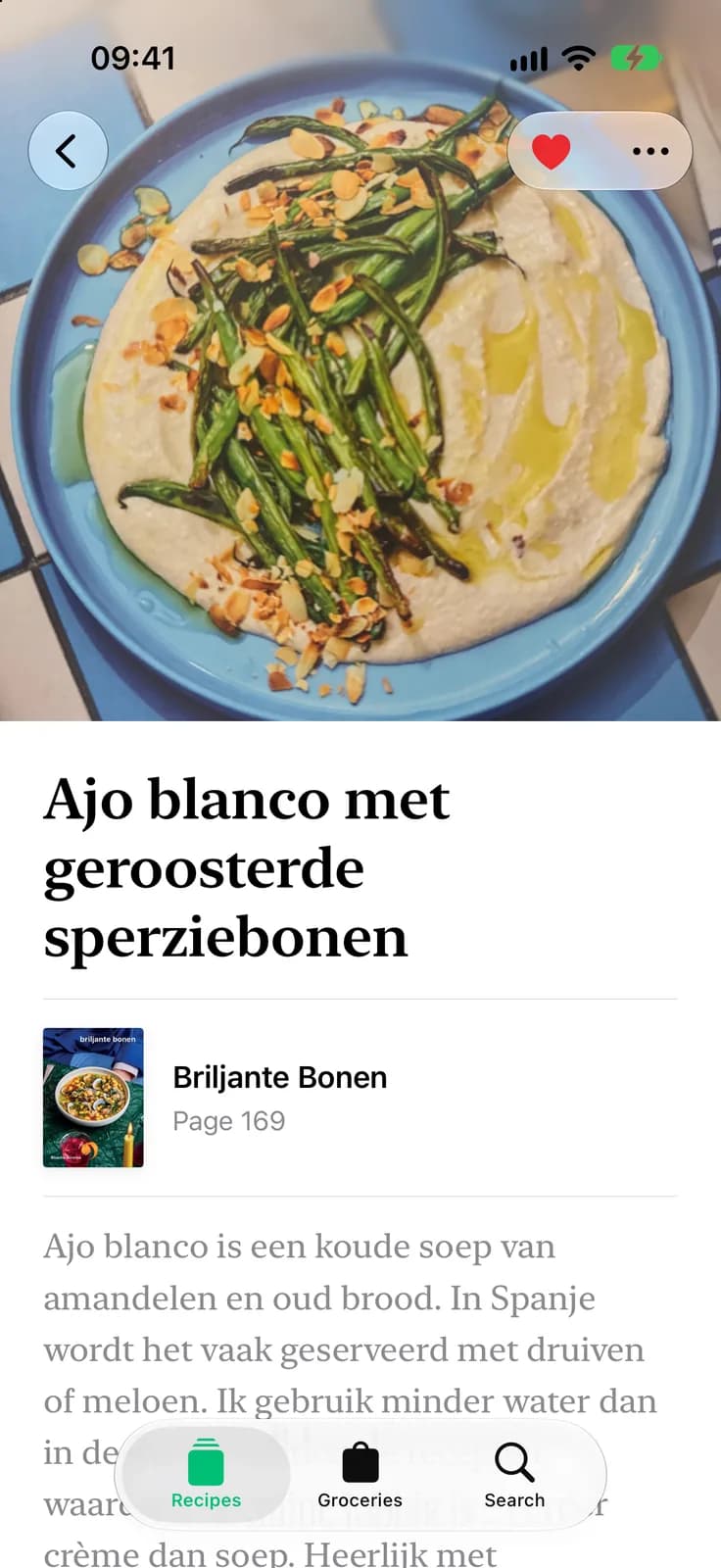
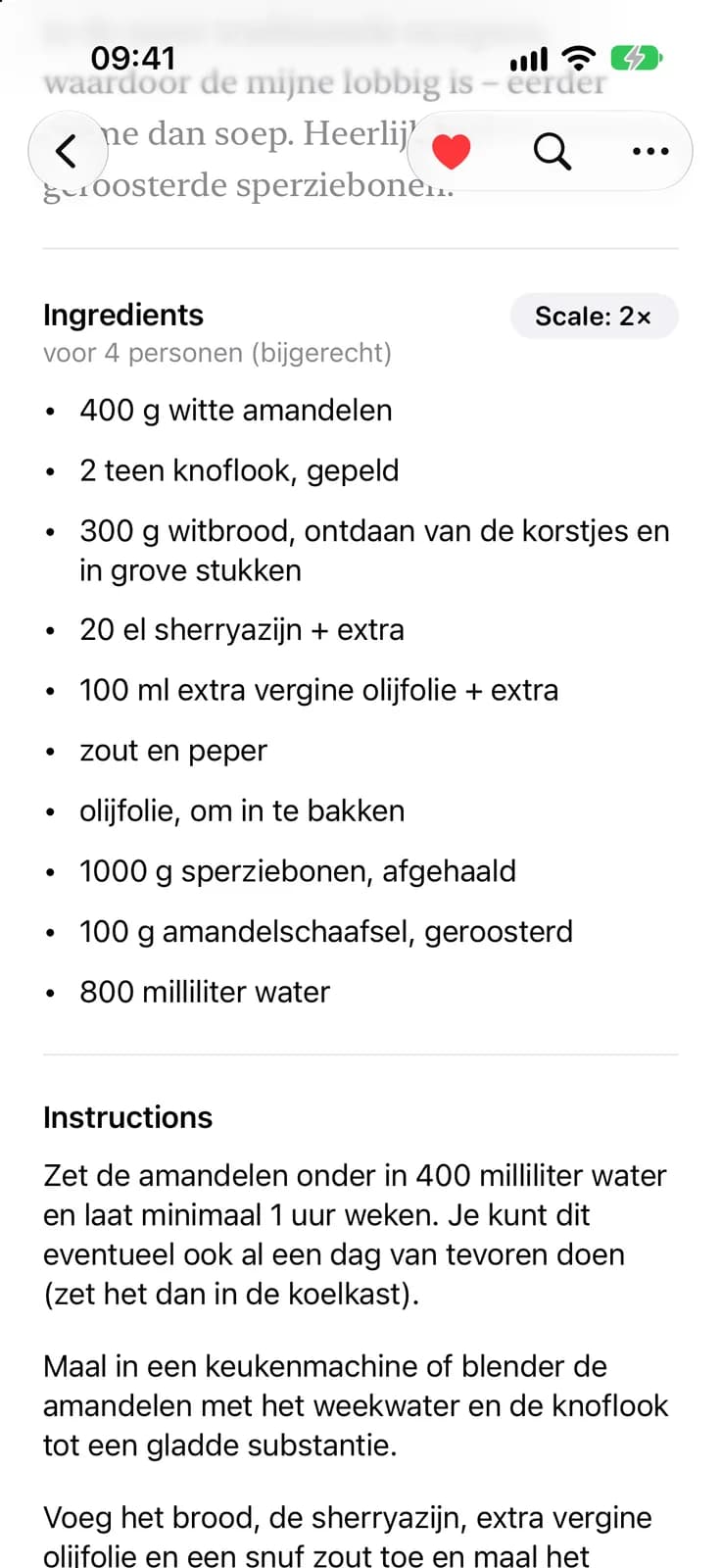
We store the ingredient exactly as on the page, and we structure it so we can scale the recipe up and down.
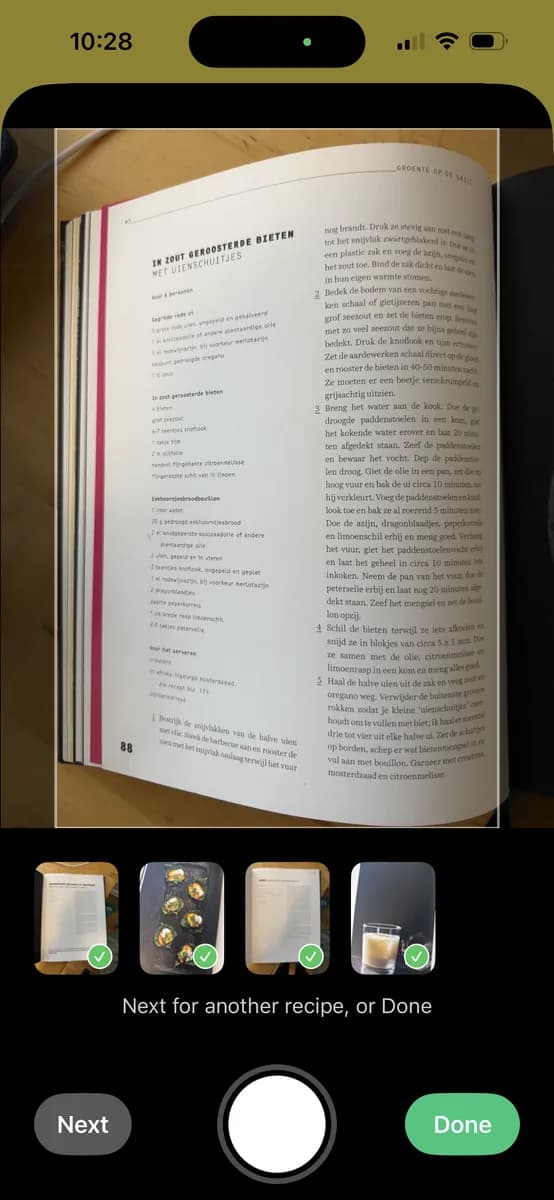
Capture recipes that span multiple pages.
CookCook is on the App Store, for iPhone and iPad. Download it, add your first cookbook, and you’re cooking.
The app is free to download, and your library, search, favourites and grocery lists cost nothing. Capturing recipes with the camera is free for your first 5; after that it’s 20 recipes for €4.99 or 50 for €9.99. Once a recipe is captured it’s yours forever.
Search for the book in CookCook’s catalogue, or scan its barcode. Either way the book lands on your shelf with every recipe in its index, searchable right away. Not listed yet? The barcode scan adds it to the catalogue for you.
Yes. Open an ePub from Files, one book or a whole folder at once, and read it in CookCook. Capture any recipe straight from the page, and it joins the rest of your collection. ePubs with copy protection (DRM), such as books bought from Kindle or Kobo, can’t be opened.
No. Photograph the page, or several pages when a recipe runs on, and CookCook turns them into a recipe: ingredients, steps and the page number it came from. Give it a quick look, fix anything in a tap, and it’s in your library.
The same app runs on iPad, with your library, recipes and grocery lists in sync. Prop it up by the stove for cooking mode, with the timers and the steps at a size you can read from across the kitchen.
Not yet: CookCook is for iPhone and iPad. We’re making it great there first.