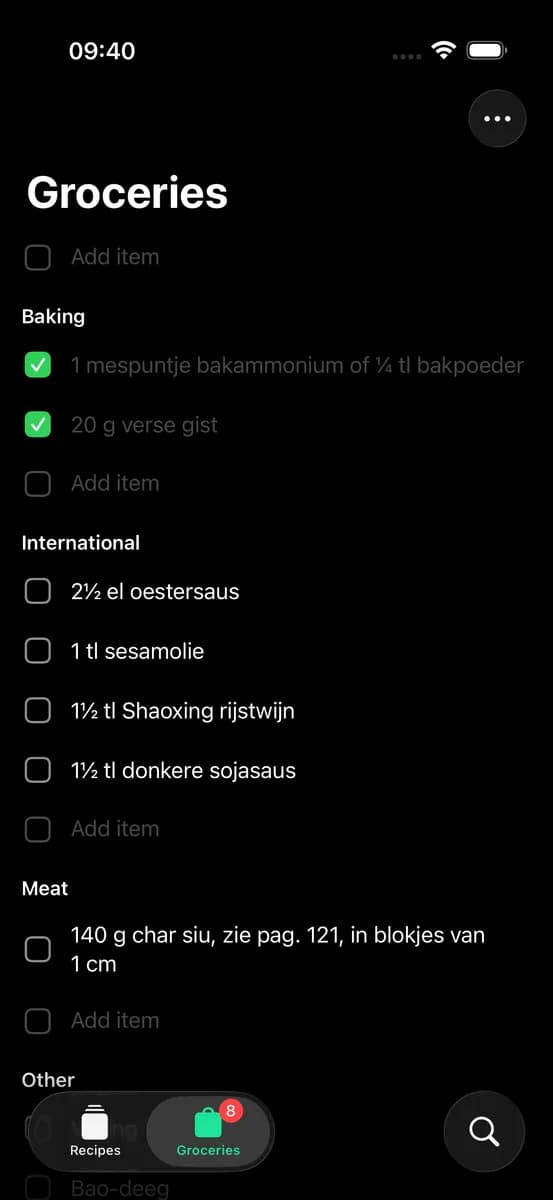
Search across all your cookbooks instantly. Find recipes, create grocery lists, and discover new dishes from your collection.
New to this? Follow the instructions
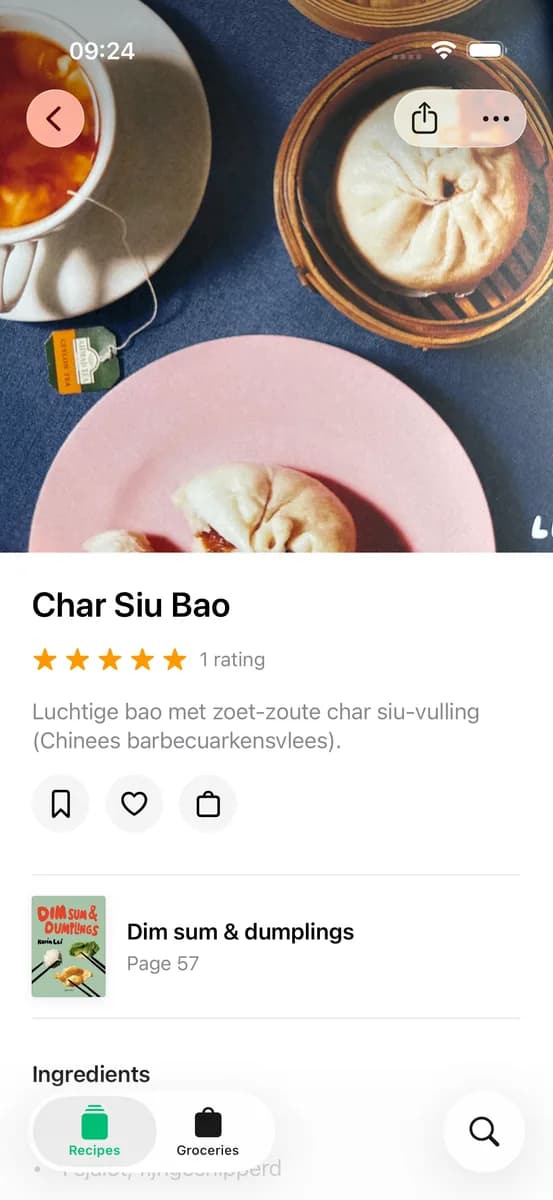
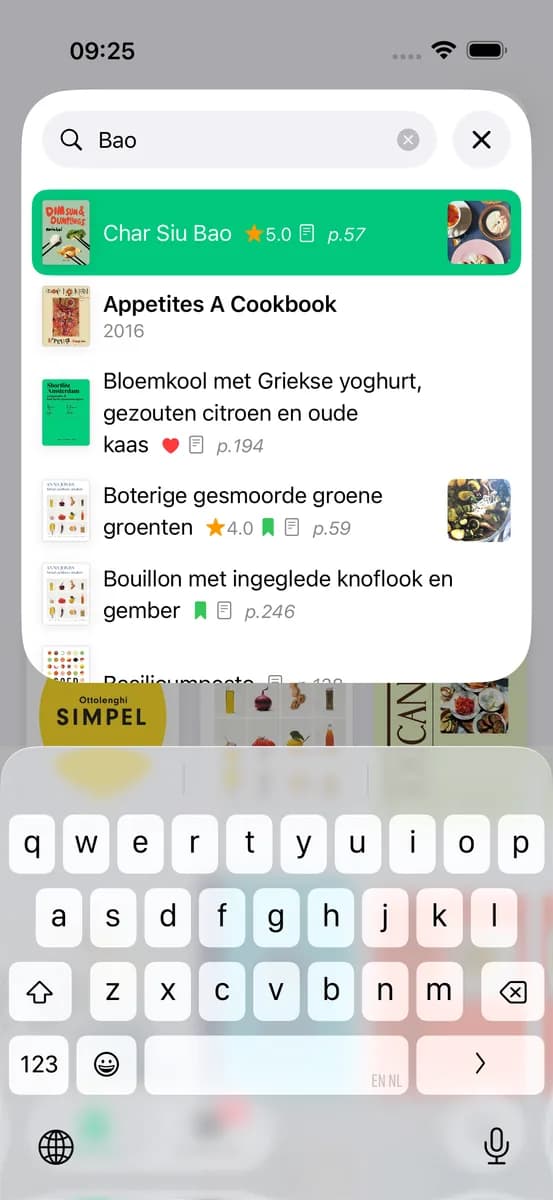
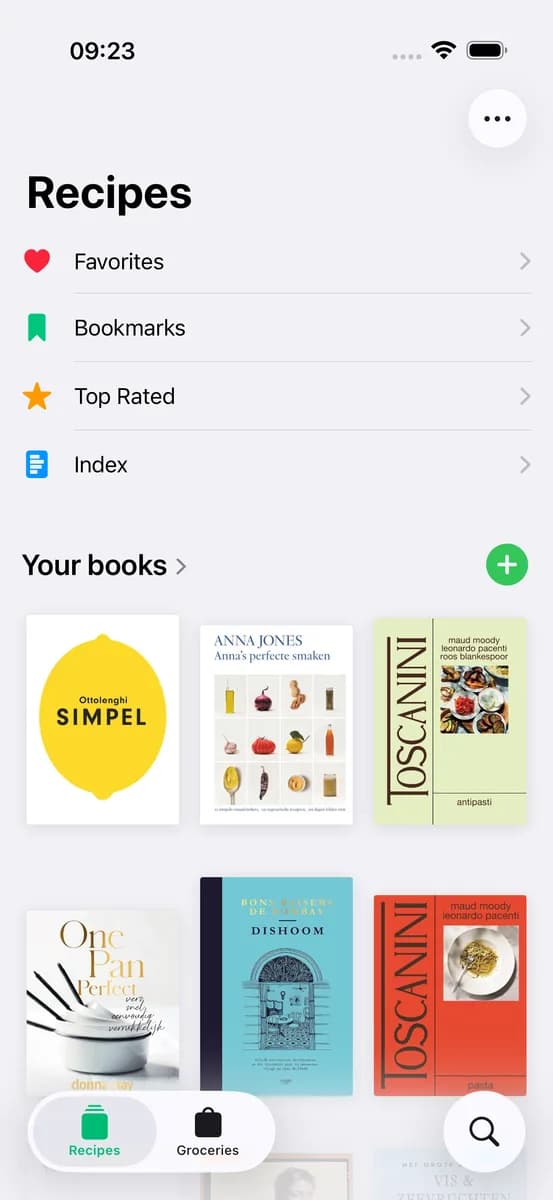
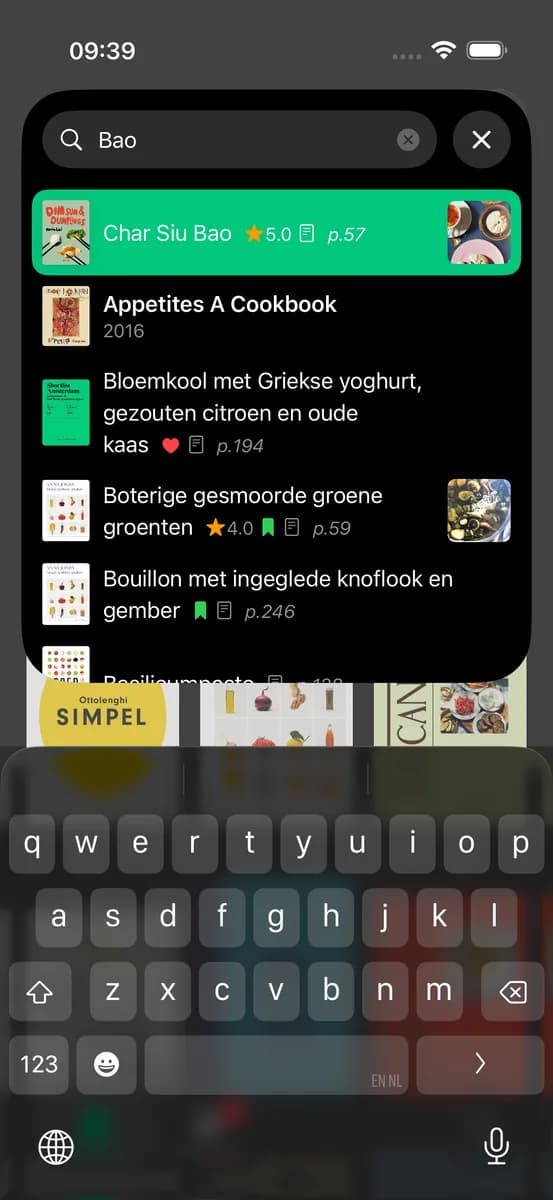
No more flipping through indexes. Search across all your cookbooks at once to find the perfect recipe. Whether you're looking for "chicken" or "quick weeknight dinners," CookCook finds it instantly.
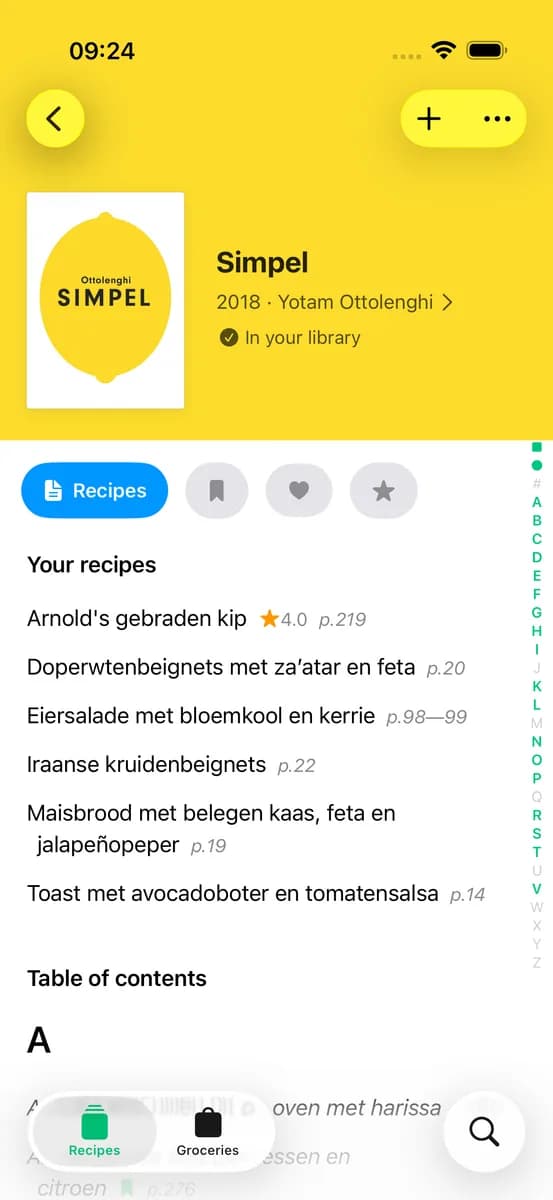
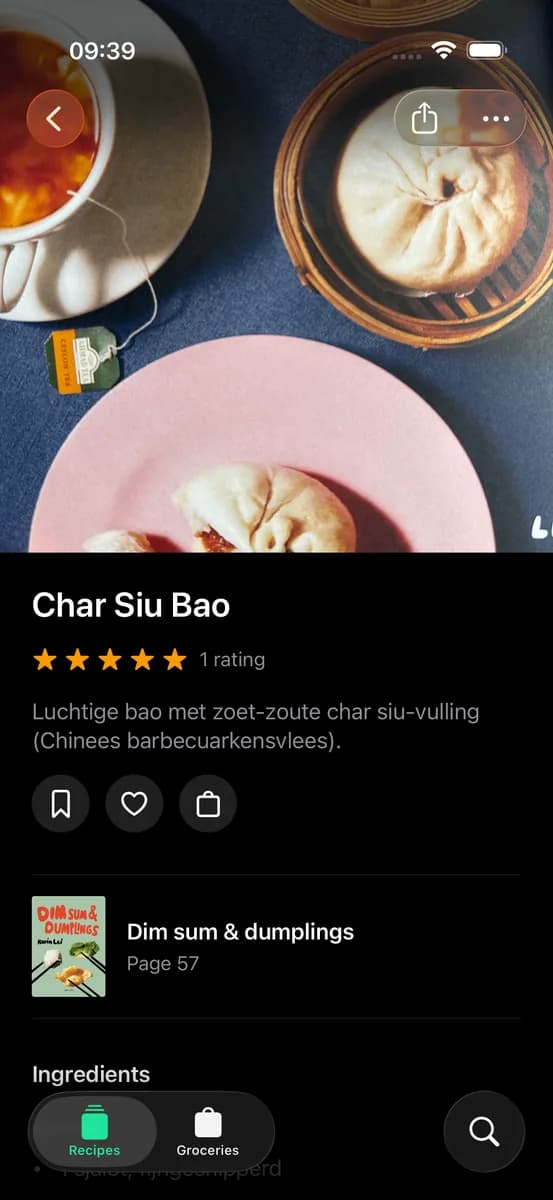
See beautiful photos, read descriptions, check ratings from other cooks, and view the exact page number. Everything you need before you start cooking.
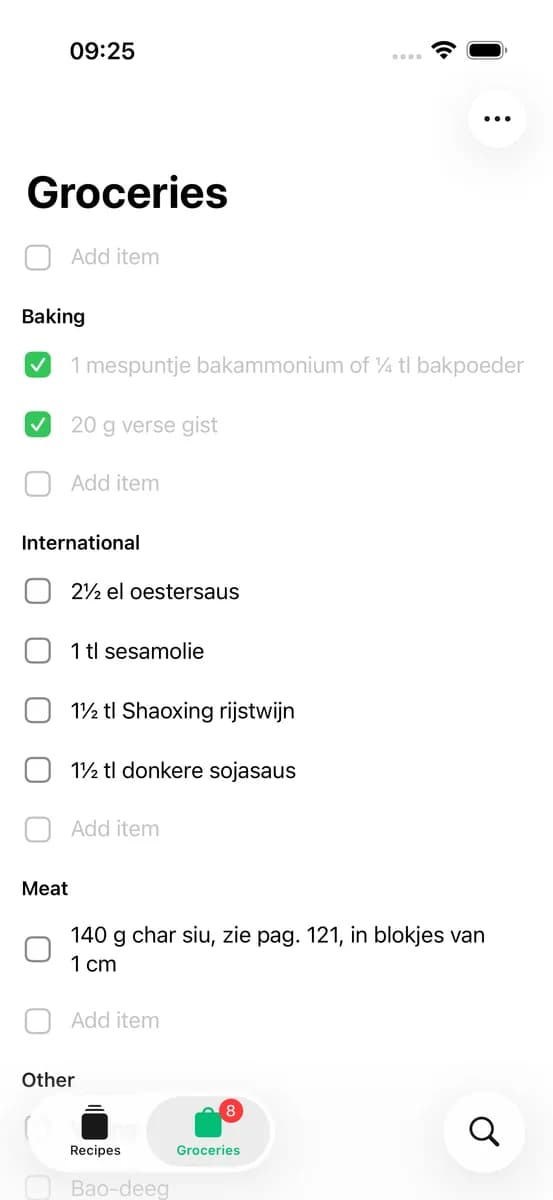
Add ingredients from any recipe with one tap. Your grocery list organizes items automatically and syncs across all your devices.
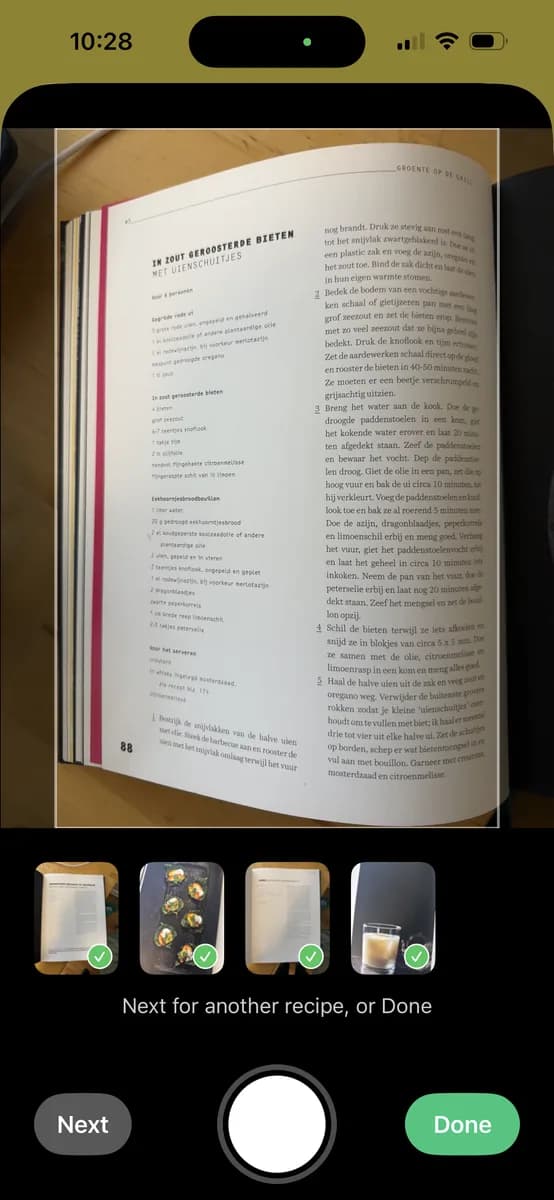
Snap photos of recipes directly from your cookbooks. CookCook processes them in the background and notifies you when they're ready to review and add to your library.
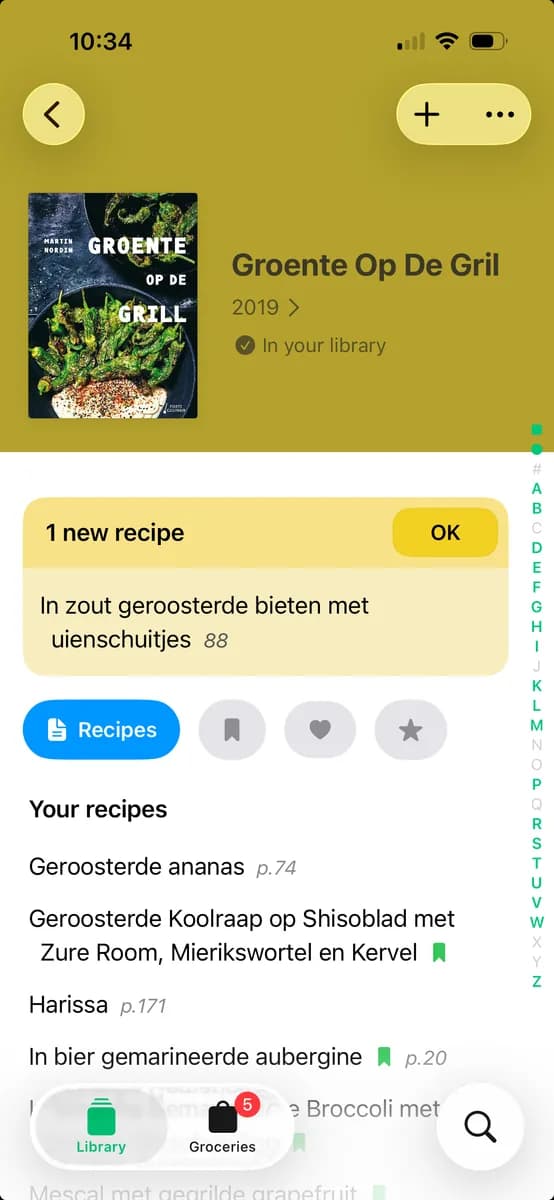
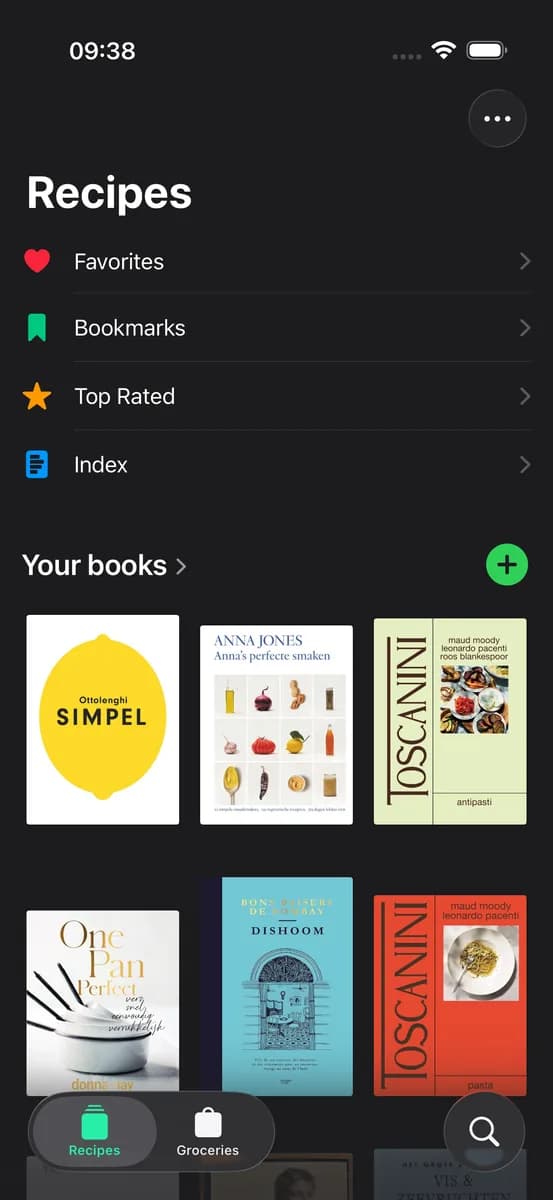
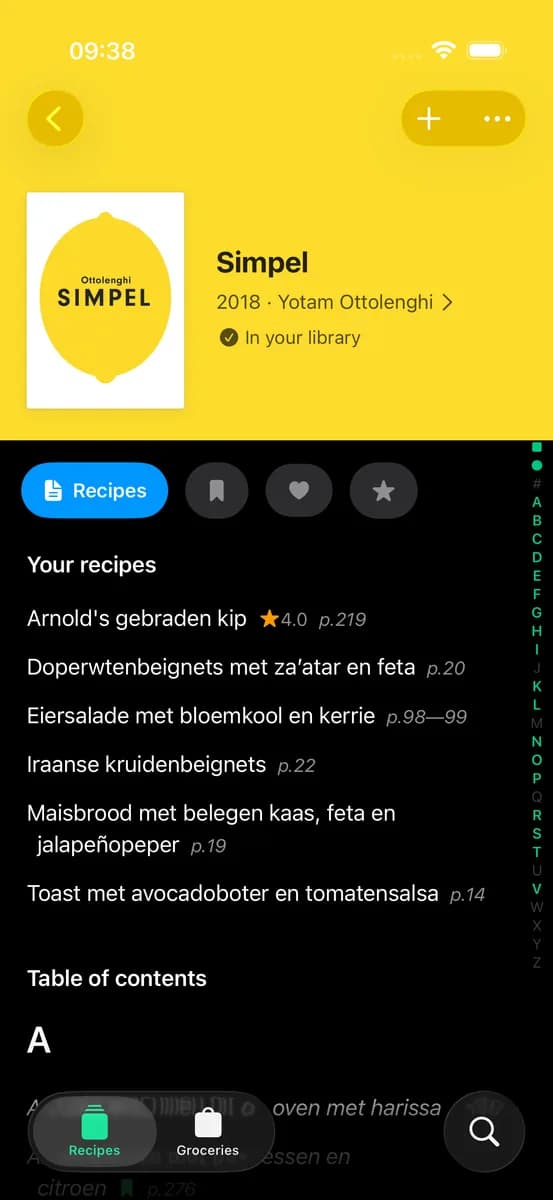
Simply search for your cookbook in our database of hundreds of popular cookbooks. Once you find it, tap to add it to your library. If your book isn't listed, you can request it to be added.
Yes! Once you've synced your library, all your bookmarked recipes and grocery lists are available offline. Perfect for when you're cooking in the kitchen without Wi-Fi.
When viewing a recipe, simply tap the shopping bag icon to add all ingredients to your grocery list. Ingredients are automatically organized and you can check them off as you shop.
CookCook is free to use during the beta period. You can add unlimited cookbooks to your library, bookmark recipes, and create grocery lists at no cost.
Join the TestFlight beta and start exploring your cookbook collection like never before.
New to this? Follow the instructions